
Touching Up Colors

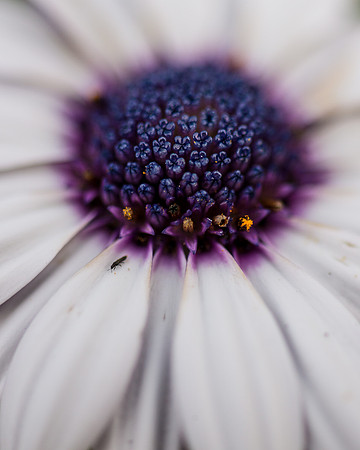
Sometimes, a photo can be improved by adjusting the colors in just a few small areas of the frame. This was the case with this closeup photograph of a white and purple daisy. Included in the original image were some distracting yellow and brown areas within the purple center as well as a small insect on one of the petals.
 Add title
 First, I cloned the insect out of the photograph. Then, I dabbed the distracting elements with a purple brush to make them less noticeable. Here's how I accomplished this in Photoshop.
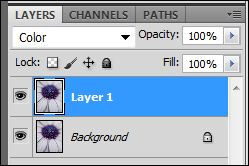
I duplicated the original layer and designated the duplicate as a "Color" layer.
I then selected the Brush tool and picked a foreground color that exactly matched the purple of the flower.
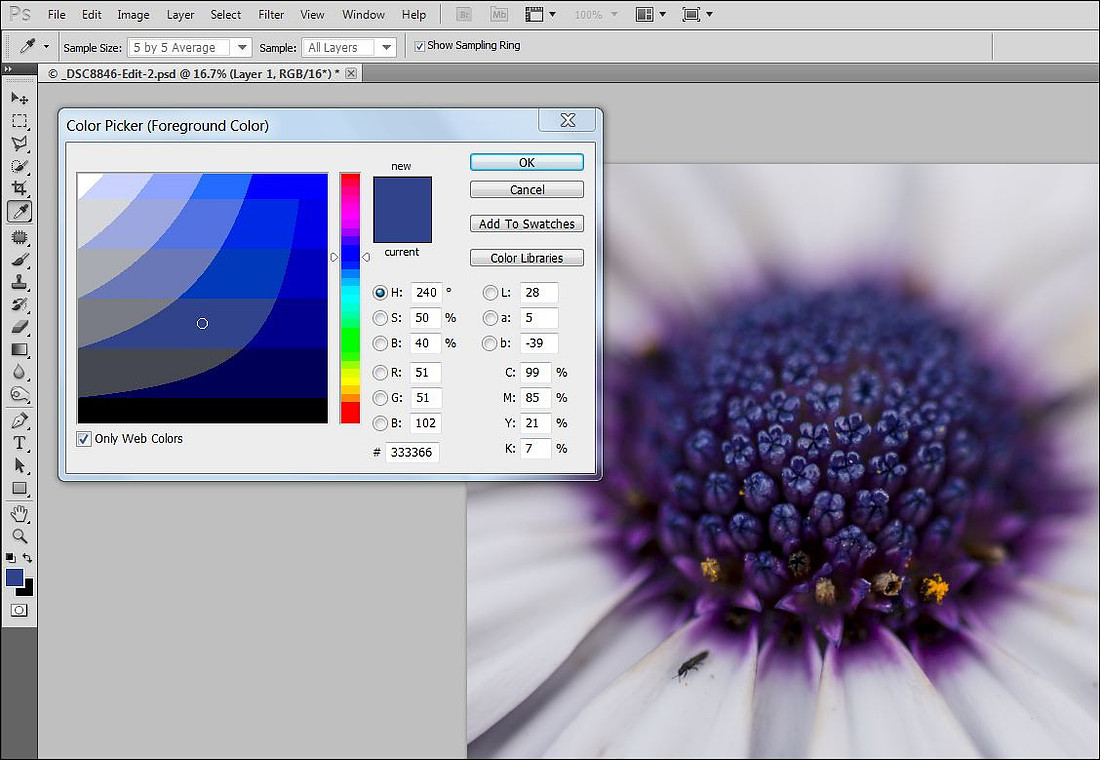 Finally, I brushed just the brown and yellow areas of the inside of the flower. Here's the finished product:
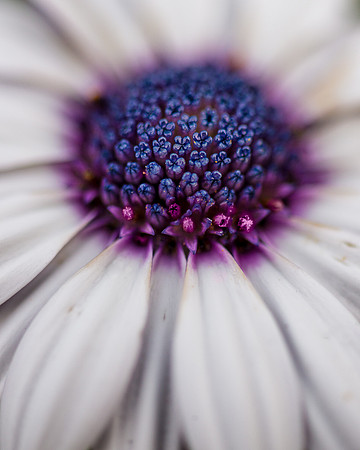 Purple daisy