
Amazing Circles
I enjoy using Photoshop to create Amazing Circles from certain images. Here are a few of my favorites:
A zebra:
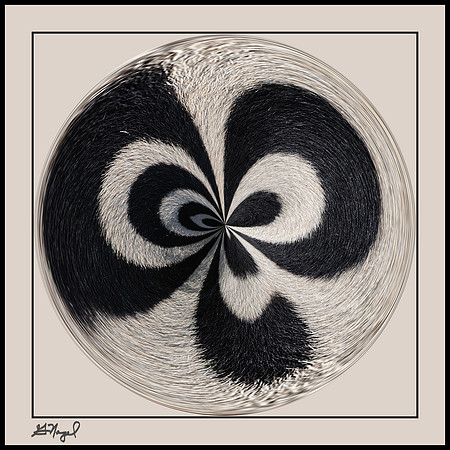 Swirled zebra stripes
 A flower:
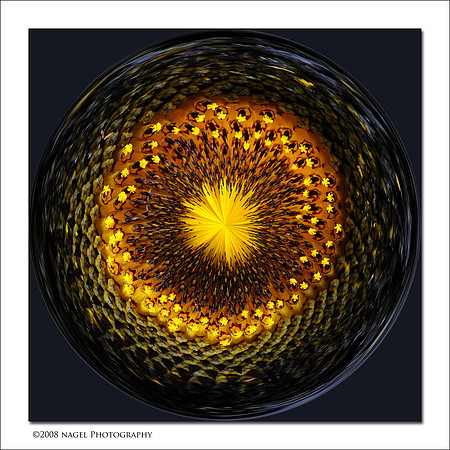 Flower
A needlepoint:
Flower
A needlepoint:
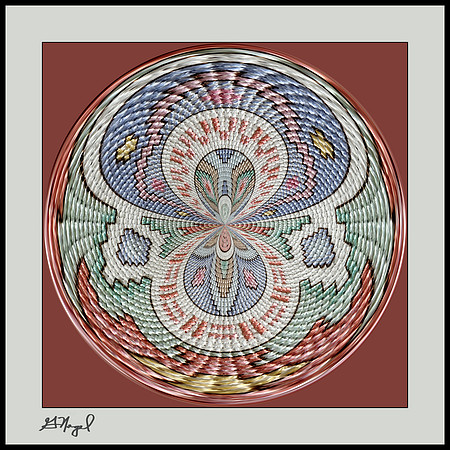 Southwest needlepoint
Please CLICK HERE to view more than 30 other Amazing Circles.
Southwest needlepoint
Please CLICK HERE to view more than 30 other Amazing Circles.
Now, let's take a recent picture and turn it into an Amazing Circle.
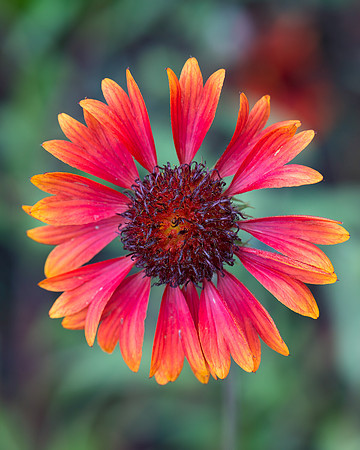 Red and orange coneflower
Open the image in Photoshop
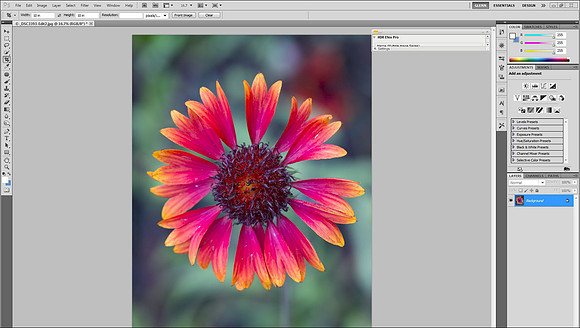
Crop the image so that the frame is square
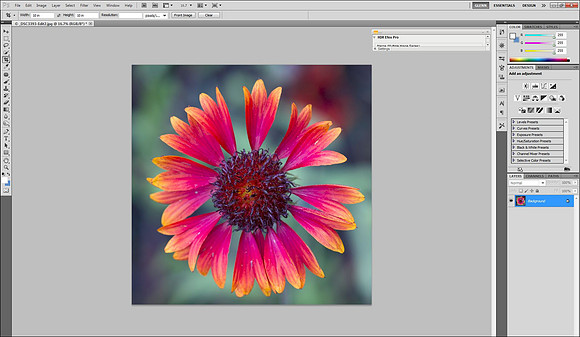
Select Filter, then Distort, then Polar Coordinates, and then choose Polar to Rectangular, then click on OK
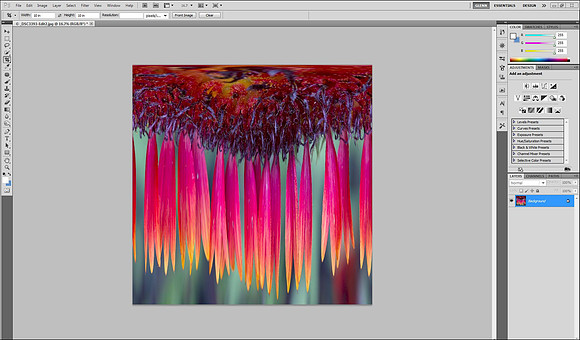
Select Image, the Image Rotation, then 180 degrees
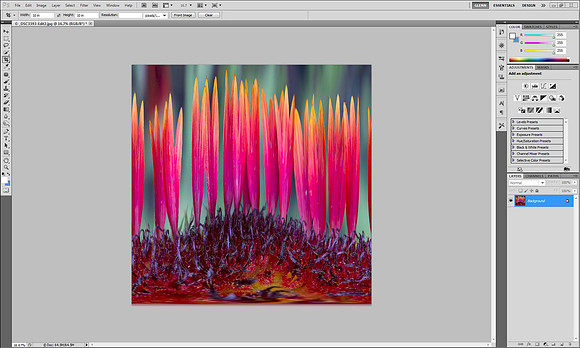
Select Filter, then Distort, then Polar Coordinates, and then choose Rectangular to Polar, then click on OK
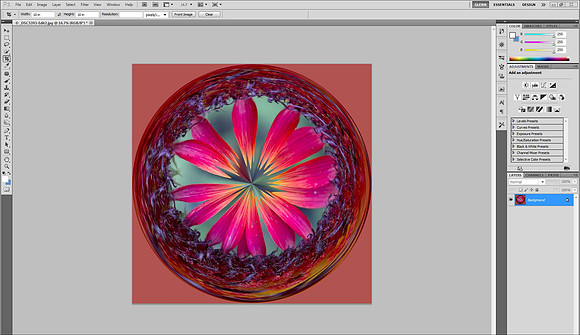 We now have an Amazing Circle!
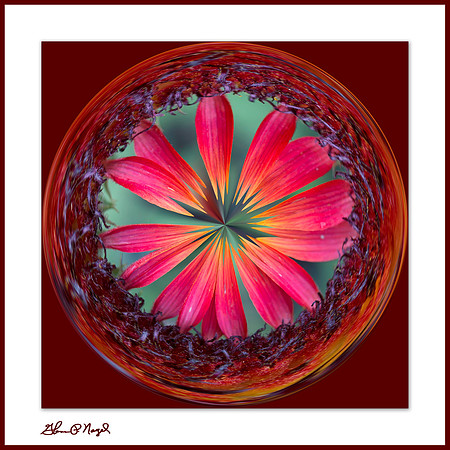 Colorful flower